Now available on the App Store
Never Lose Anything Again
Label bins with QR codes, scan to find anything in seconds. The simplest way to organize your garage, attic, closets, and storage.
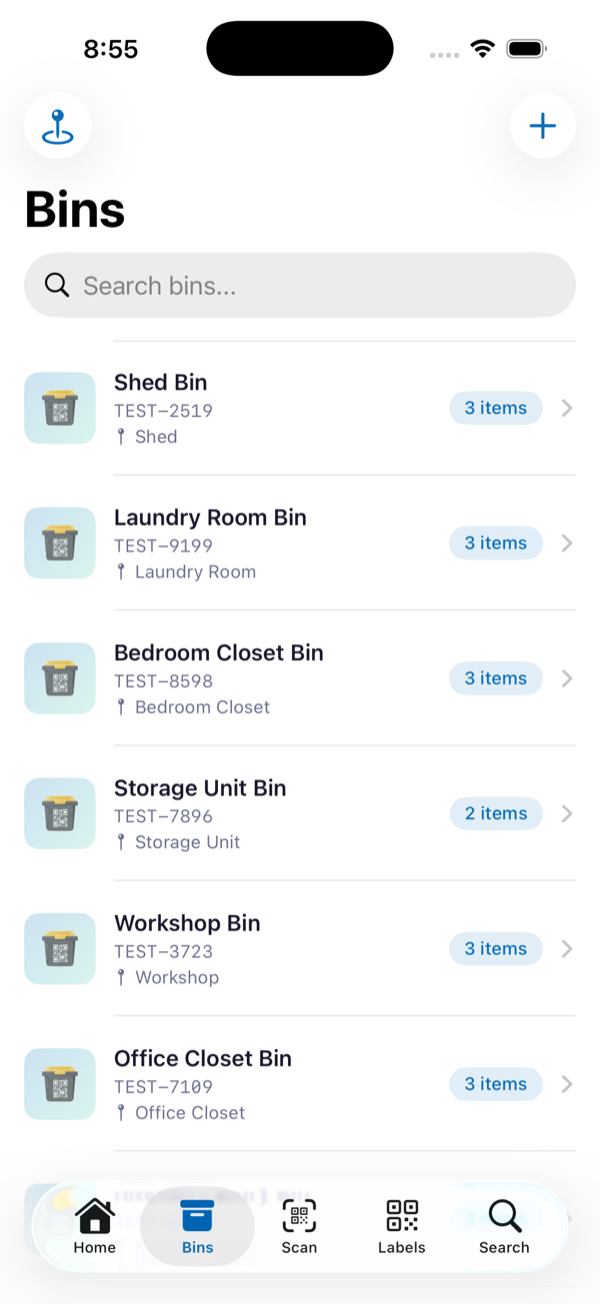
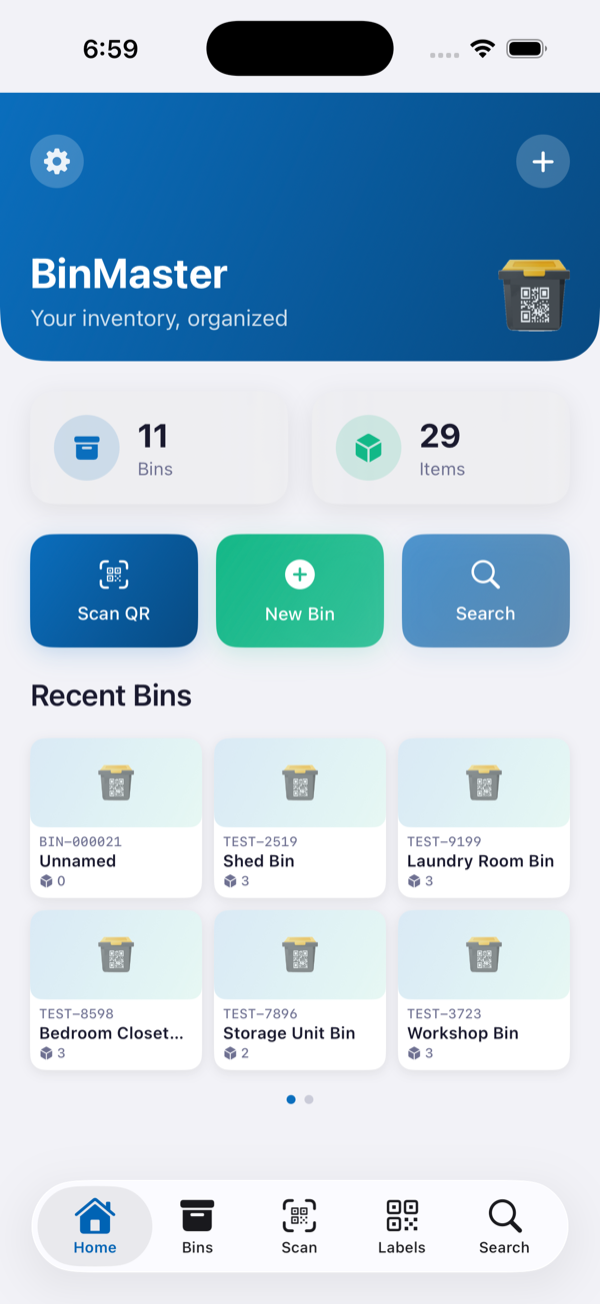
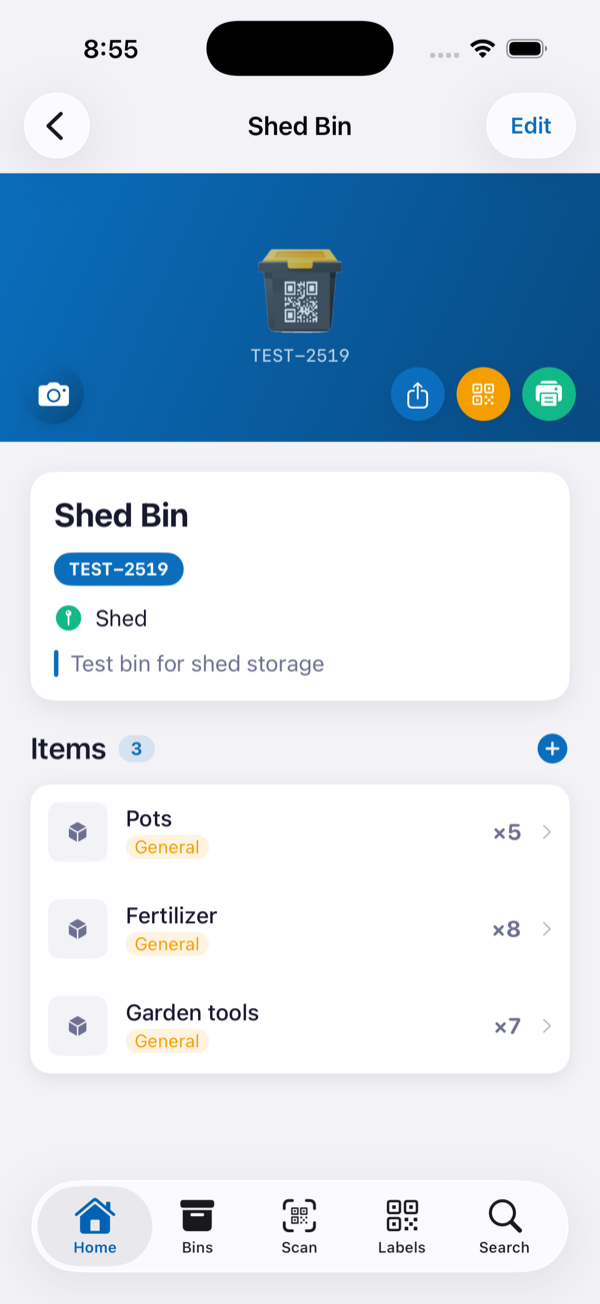
Label bins with QR codes, scan to find anything in seconds. The simplest way to organize your garage, attic, closets, and storage.
No complicated setup. No learning curve. Just label, scan, and done.
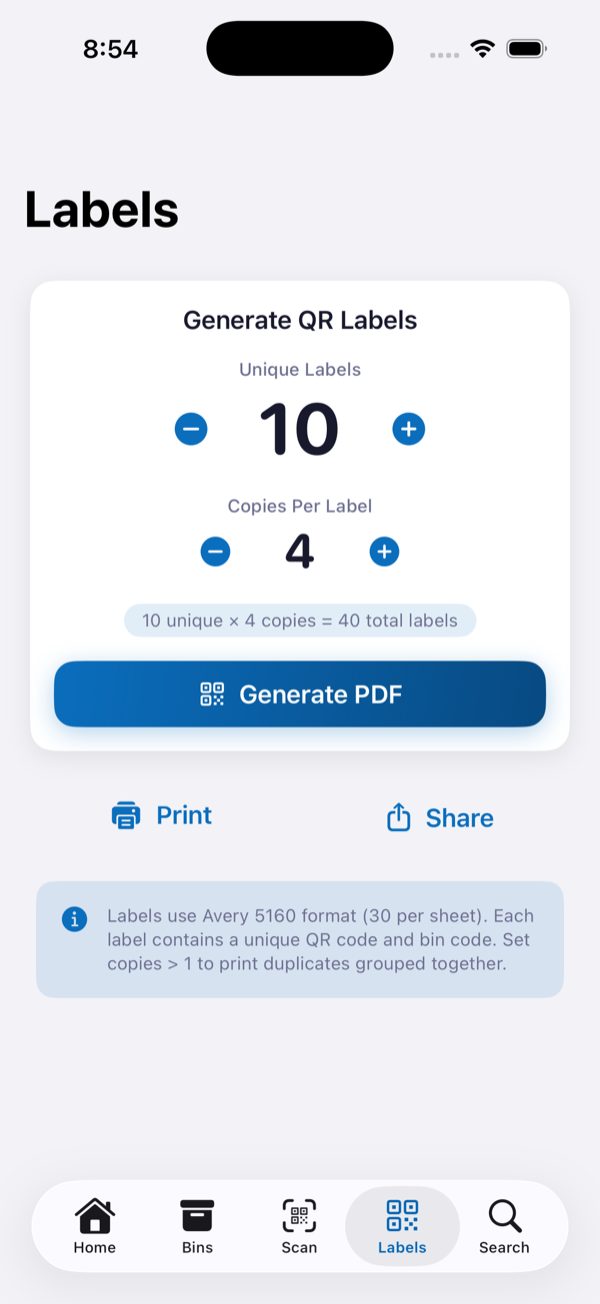
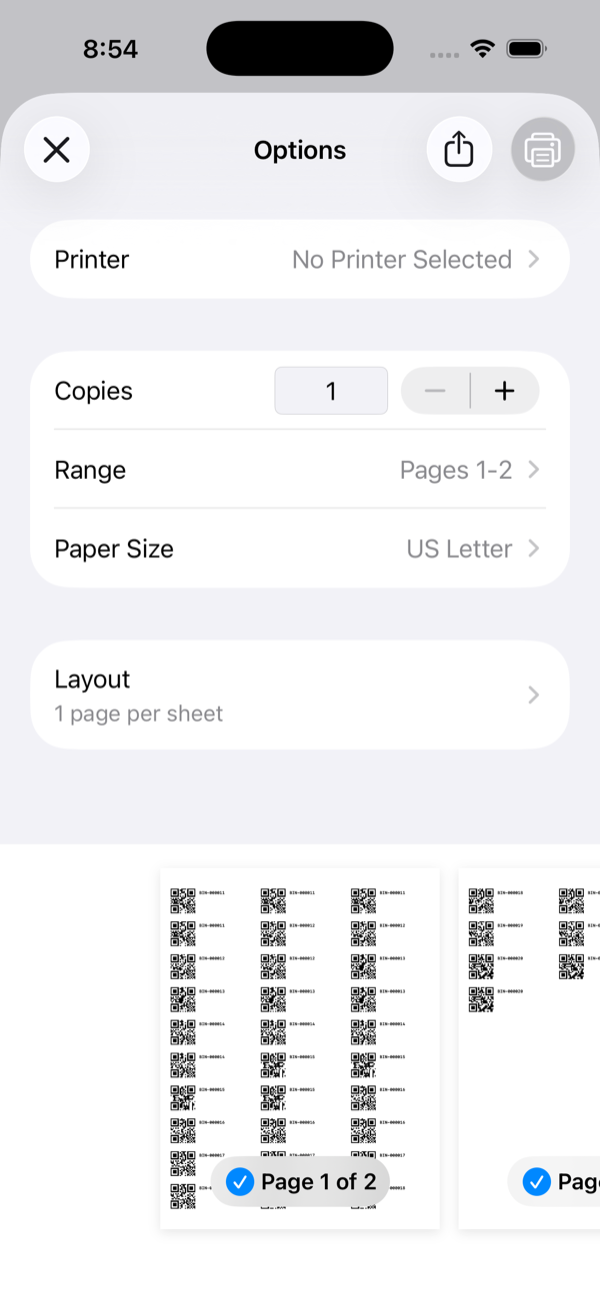
Generate a sheet of QR labels on Avery 5160 or 22806 paper. Stick them on bins, boxes, shelves — anywhere you store things.
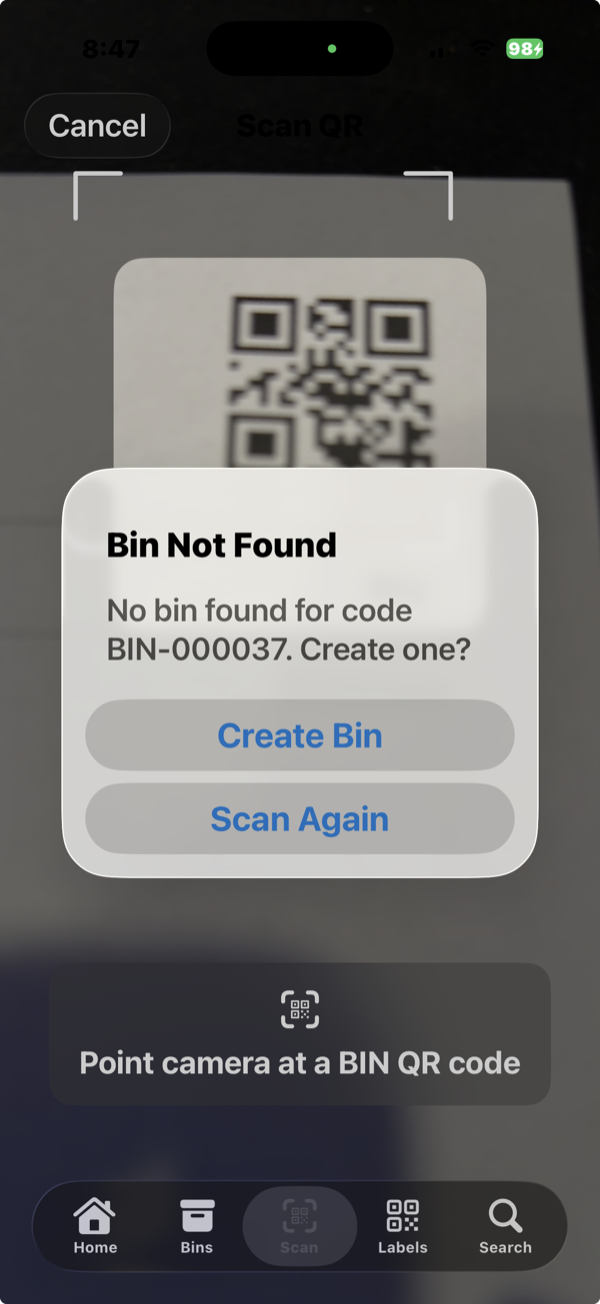
Scan a label and BinMaster creates the bin automatically. Name it, snap photos of what's inside, and AI identifies your items instantly.
Search across all bins and items. Know exactly which bin, which shelf, which room — in under two seconds. Scan any label to jump right to it.
Generate professional QR label sheets in seconds. Print them at home, stick them on bins, and scan whenever you need to find something. It's that simple.
Built for real people organizing real stuff. Not enterprise inventory software.
Camera opens instantly — snap a photo, AI auto-fills the name, description, and category. Tap "Add & Next" to keep going. Add a whole bin of items in seconds.
Point your camera at any BinMaster label. The bin opens instantly — no tapping, no searching. Scan a new label to auto-create a bin on the spot.
Print Avery 5160 or 22806 label sheets from any AirPrint or network printer. Pick exactly which position to start on — reuse partially-used sheets with zero waste. Pro users can also print directly to Brother QL network printers and Bluetooth thermal printers like MakeID.
Snap a photo and AI instantly identifies the item, fills in a name, description, and category. Every user gets 10 free scans to try it out. Pro includes 200 AI scans/month — need more? Add the AI Scan Pack for unlimited.
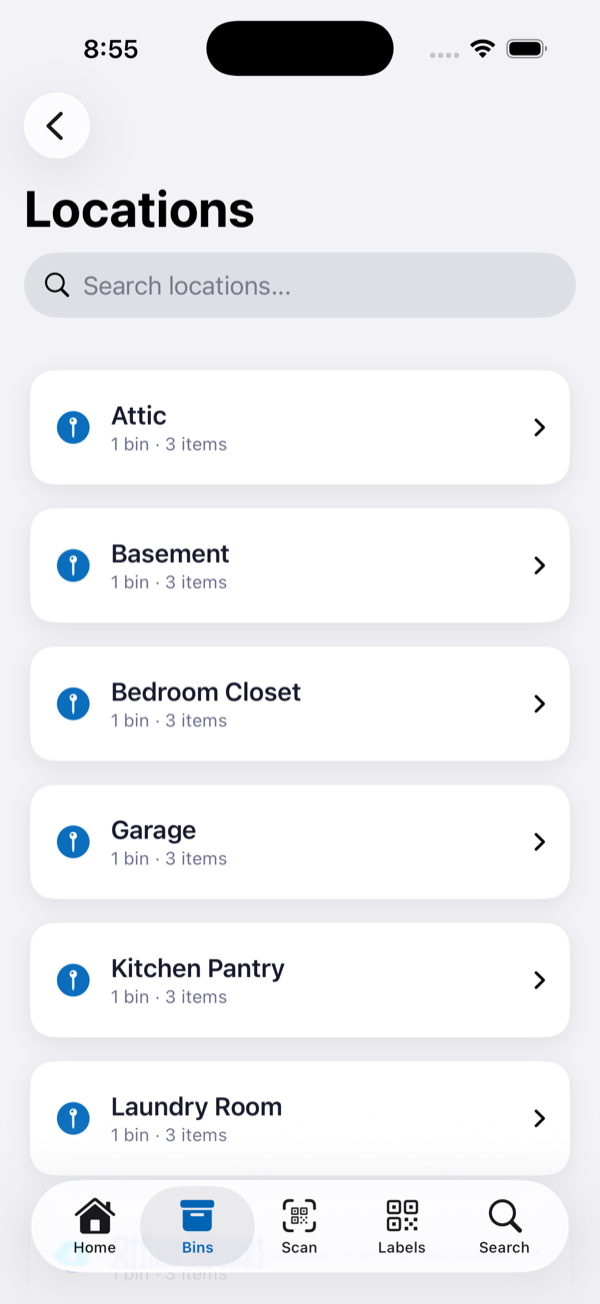
Organize bins by location — Garage, Attic, Kitchen, Shed. Predefined locations with custom options, and a quick picker when creating or editing bins.
Set your own prefix and starting number. BIN-000001, SHOP-000001, or whatever fits your system. Auto-incrementing keeps everything in order.
Print a contents list with QR code for any bin. Place it inside the bin so anyone can see what's stored without scanning.
One-tap backup to iCloud Drive. Your data is compressed into a single .binmaster file that survives app deletion and device changes.
Clean, fast, and designed for one-handed use.
BinMaster is free to use. Upgrade to Pro for unlimited everything, or add AI scanning separately.
Unlimited AI-powered item identification from photos.
Available with or without Pro.